
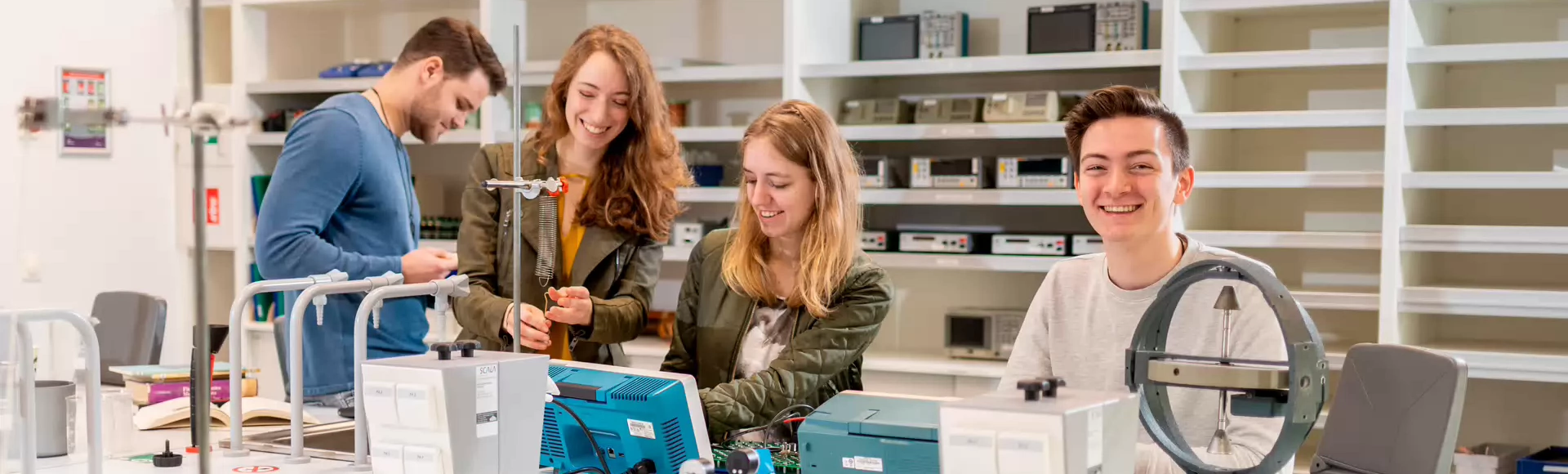
Applied Physics
Welcome to Fontys!
We are looking forward to meeting you in person. To get you well prepared for your study at Fontys Applied Physics, we have gathered all information you need on this page. Please check this website regularly so you don't miss an update. If you still have any questions, please don’t hesitate to contact us. See you soon!
Step into the exciting world of Fontys’ Tech programmes in Eindhoven and explore our Nexus building—a modern, state-of-the-art facility where education and innovation come together. This is where our technology programmes are based, featuring advanced labs, collaborative spaces, and a dynamic learning environment designed to inspire future engineers and tech professionals. During the tour, you'll get a behind-the-scenes look at the labs, workshops, and study spaces, while experiencing the vibrant atmosphere of student life at Fontys. You’ll also have the opportunity to meet students, lecturers, and staff from the International Admissions Office, who can answer your questions about studying at Fontys, academic life, and the admissions process. Additionally, attend a short presentation packed with practical information to help you prepare for your studies. This campus tour is most useful for students planning to start their studies in September 2026.
If you're considering a later start, we recommend visiting one of our Open Days, with the next one taking place in autumn 2026. After the tour, take some time to explore Eindhoven—a hub for technology, innovation, and creativity—where you could soon be living and studying!
Get prepared to start your studies in September
Below you will find practical information about e.g. your application, Fontys account, on campus WiFi, books and laptop requirements.
Your application
You have sent in your application to this study programme through the website studielink.nl and have received a confirmation e-mail from Studielink. In Studielink you will find a 'To Do List' where you can check the actions you still need to complete. You will also receive information about your application from the administrative office.
Our Student Admission Administration Officers will assist you in further follow-up actions. You can contact them at studyengineering@fontys.nl. Please always mention your student number.
Tuition fees are a standard part of studying in the Netherlands. You pay your tuition fees via a digital (direct debit) authorisation, either all at once or in instalments. For more information about how and when to pay, watch the animation or see link below.
More information about tuition fees
For all your questions related to enrolment procedures, visa, housing, enrolment for exams, picking up documents etc.
Location
De Rondom 1, 5612 AP Eindhoven
Nexus Building (at Campus TU/e), room 0.47
Contact
- Email: studyengineering@fontys.nl
- Telephone: +31-(0)885077333
- Whatsapp: +31-(0)6-38070029
Opening hours
- Monday: 8:30 - 12:00 hrs / 12:30 - 18:00 hrs
- Tuesday - Friday: 08:30-12:00 hrs / 12:30 - 15:00 hrs
Account and IT information
After applying you received an email from us with your personal login details. The sender of the email: 'no-reply@fontys.nl', and the subject is 'Fontys account creatie/creation'. Please save this e-mail carefully, you will need it!
For practically all online services at Fontys you have to sign in with your Fontys account. This account is a username and password combination. Your user name contains a PCN (Personal Communication Number) and the domain: '@student.fontys.nl'.
More information about signing inBeing able to work and study securely is of the utmost importance at Fontys. That is why we continuously work on improving information security. We switched to a new way of signing in at Fontys: in addition to your username and password, you will also use an extra step as verification (multifactor authentication).
Eduroam (education roaming) is a service that enables students, researchers, and staff to securely access the wireless internet at the Fontys campus and while visiting other participating institutions, using the username and login provided by Fontys.
Advice: Install eduroam on your private laptop, smartphone, and tablet at home according to the instructions. When you arrive at the Fontys campus, everything will be set and ready to go.
Manual: Connect to EduroamFontysConnect, the intranet site of Fontys, is used to make (digital) information available, to share documents, to work together and as a search centre. Everyone with a Fontys account has access. If you log in to the Fontys website with your Fontys account you will land on your personal Connect page. From there you can access the various pages. This is not needed right now but will be come in hand when your studies start!
go to portal
How do I get the card?
The student card is provided once free of charge at the beginning of or during the academic year to all students who register for the first time at Fontys University of Applied Sciences. You will receive a student card when you are registered and you have uploaded a passport photo via www.fontyskaart.nl.
To upload your photo, click on the photobox on the page and follow the instructions on the screen.
It is most convenient if you have your student card right from the start of the educational year. It is best to apply for the card as soon as you know what is your address is in the Netherlands.
When do I need a student card?
You need a student card for various reasons:
- As proof of identity at Fontys Universities (for example at exams).
- For logging on to the Canon printers.
- To gain entry to buildings on Fontys property and at automated barriers.
- To use the lockers in some Fontys buildings.
- For the loan of equipment from the media libraries.
Fontys provides you with ‘@student.fontys.nl’ email address. You can log in with your Fontys account. When you start your studies at Fontys, we will no longer send e-mails to your private email address, but instead only use your Fontys email address. Make sure you check this account regularly!
go to Outlook webmailiPhone and iPad
- Choose Outlook for iOS in the Apple Store and install the app.
- Add an account and fill in your email address (name@student.fontys.nl)
- Open verification app and you will be directed to the Fontys login page
- Remove the email address and fill in your Fontys credentials:
username: <PCN>@student.fontys.nl
Password: the password to your Fontys account - Skip the First Run Experience
- Enable Notifications
- Tap Allow 'Outlook can send you messages."
Android phones and tablets
- Go to settings > Accounts & Synchronisation > Add Account > Microsoft Exchange ActiveSync.
- Fill in the required details:
Domain: The domain students use is BERGEN. When a domain is optional, leave this field blank. Some devices require the notation domain\username in one field. In that case, write down: BERGEN\<PCN>.
Username:
Your username is <PCN>@student.fontys.nl. Some devices require the notation domain\username in one field. In that case, write down: BERGEN\<PCN>. - Write down your Fontys emailadress: <name>@student.fontys.nl
- Fill in the password to your Fontys account.
- Server: If your device asks for this, write down outlook.fontys.nl
There are quite a few applications you'll use during your studies—for your timetable, grades, exams, and more. That’s why we’ve listed everything for you in one place. This way, you can see at a glance what each tool is used for and how to install it.
See how to use and install the toolsIf you click the button below you will find English information and manuals on various IT topics. You'll be able to find information about the Fontys network, printing, storage, mail, etcetera. You can also find the contact details of our IT Servicedesk here.
go to it help
All Fontys departments (including teachers and staff) will only use your Fontys e-mail addresses to send you information.Therefore, make sure that you check your mailbox regularly!
Study materials
Laptop requirements
A laptop is compulsory for Applied Physics students. Through Fontys, you can purchase a laptop from external parties: www.campusshop.nl. This is not compulsory; you can also choose your own brand.
Please note that Apple laptops are NOT supported. Some programmes required for the study programme cannot run on these either.
The following minimum requirements apply for the laptop:
Hardware:
- Processor: Intel Core i5 processor / AMD Ryzen 5 serie. (Apple: Intel-processor / Apple Silicon processor)
- Memory: 8 GB RAM
- Ethernet interface (RJ45) / Ethernet USB adapter;
- Hard disk: at least 128 GB;
- Network: Wifi;
- Wireless Internet 802.11g WPA-2 compatible;
- Display: 14" with a screen resolution of 1280x768 pixels (Apple 1200x800 pixels);
- At least 2 hours of use on battery;
- At least 1 USB port (3.0) available;
- Possibility to connect to a presentation screen via VGA or HDMI. If a converter is needed, please bring your own;
- Camera, mouse, microphone and headphones are recommended
Software:
- Microsoft Windows 10 (64-bit);
- Microsoft Office 2013 or later (Windows);
- Every Fontys student automatically has access to Office 365 Education.
- Due to the software used on this course, being able to run a Windows environment is mandatory. Apple computers are NOT supported;
- Internet browser (IE >10 recommended);
- Virus software – software can be purchased via surfspot.nl. At the beginning of the academic year there are always actions regarding virus software.
- Pdf-reader e.g. Acrobat. A lot of material is published in PDF format;
- Software for video and audio (basic comes with Windows, e.g. mediaplayer, but sometimes you also need Quicktime or flash format).
Software deals for education
SURFspot is the ultimate non-profit ICT online store. SURFspot offers an educational discount on software, hardware and online educational resources.
So how does it work?
Go to SURFspot.nl and log in using your Fontys account (PCN@student.fontys.nl + password)
During your studies, you will need various books and materials. You will find the Literature and Materials list here in June.
Digital library
All students at Fontys have access to an excellent digital library with an extensive collection. Here you can find papers, research sources, and even entire textbooks for your studies!
Digital library
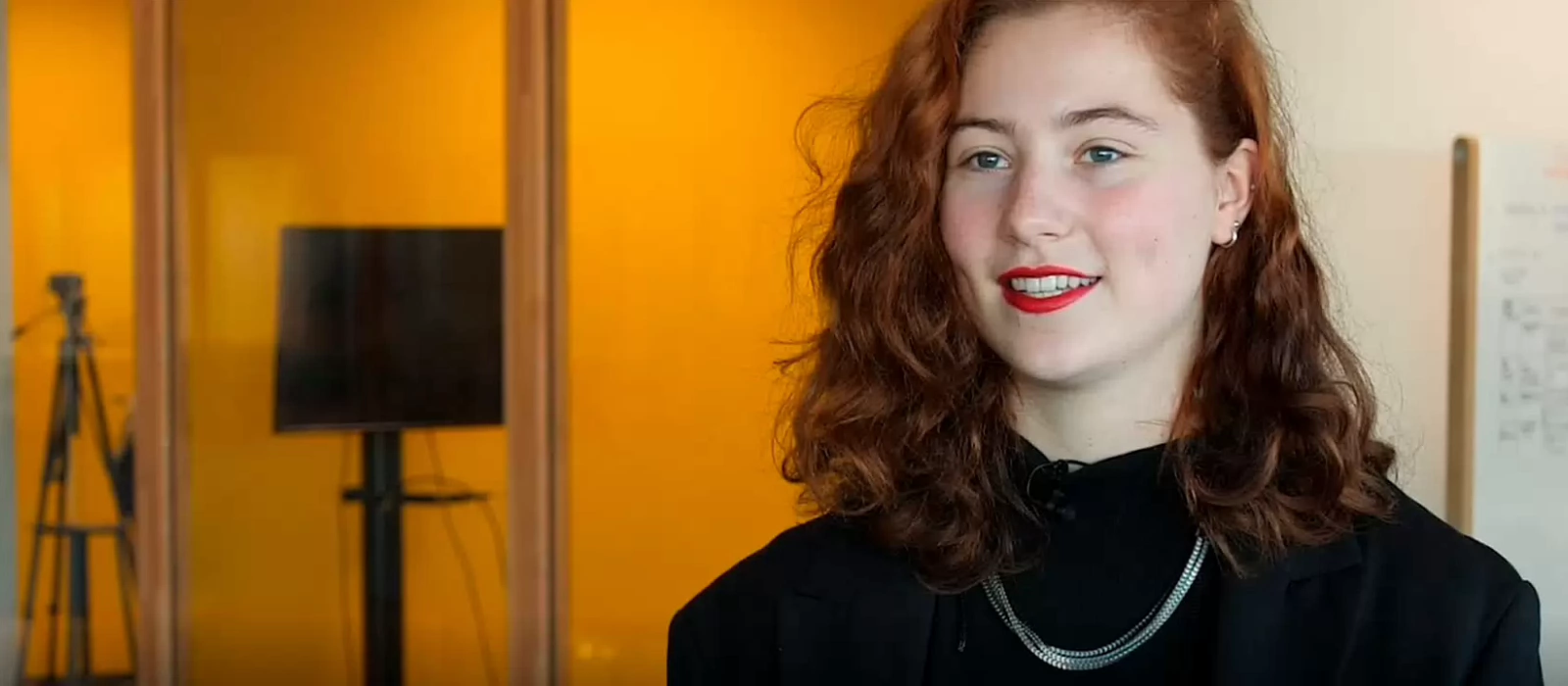
Working with other students in a group teaches you to be more collaborative, outgoing and respectful of others work and opinions."Student about her experiences
Starting your studies
When starting your studies at Fontys, it is nice to know when we expect to meet you on campus for the first time and what you will experience in the first months.
To complete your enrollment and gain access to the learning environment, you must present your original diploma from your previous education in person at the Student Administration Office. This includes the corresponding list of grades. Certified copies are not accepted.
Please note: If you hold a Dutch secondary school diploma, no diploma check is required.
The date of the Diploma-check Day will be published in June.
For last-minute admission questions please contact us:
Email: studyengineering@fontys.nl
Telephone: +31-(0)885077333
Whatsapp: +31-(0)6-38070029
Your First Day
The first week of classes begins on Monday 31 August. Exact information about the time and location you are expected, as well as a detailed programme for the week, will be announced in June. Please keep an eye on this website for updates. We look forward to welcoming you!
What does the first week look like?
Your first week will be a busy and engaging one, during which you will get to know your class, study coach, lecturers, and various aspects of your new study programme. The schedule includes:
- A workshop on the ICT facilities available within Fontys
- An introduction to Canvas, the digital learning environment you’ll be using frequently throughout your studies
- A compulsory safety day – as safety is essential when working in practical areas, attendance on this day is mandatory
- Lectures for the theoretical subjects
- Challenge Day, where you and your group will tackle various challenges together
- A science quiz
What should you bring?
Make sure to bring your laptop (fully charged) and the login details for your Fontys account (provided to you upon enrolment).
If you want to plan holidays or other activities, it is useful to know when there are no classes.
Academic calendar 2026-2027
Purple introduction week
24-08-2026 / 28-08-2026
Educational period 1
31-08-2026 / 15-11-2026
Educational period 2
16-11-2026 / 08-02-2027
Educational period 3
16-02-2027 / 25-04-2027
Educational period 4
03-05-2027 / 25-07-2027
Vacation and holidays
Autumn break
19-10-2026 / 25-10-2026
Christmas break
21-12-2026 / 03-01-2027
Spring break
09-02-2027/ 15-02-2027
Good Friday
26-03-2027
Easter Monday
29-03-2027
May break
26-04-2027 / 02-05-2027
Liberation day
05-05-2027
Ascension Day and the day after
06-05-2027 / 07-05-2027
Whit Monday
17-05-2027
Summer break
25-07-2027 / 05-09-2027
Join our community
Fontys Applied Physics offers you several ways for you to become part of our community. It is up to you to join, but we highly recommend it. There is no better way to get to know your future classmates before you even set one foot on campus!
If you are interested in more detailed stories from international students or want to get in touch with one or more of them, check out this page.
Contact a studentBy joining our student association, you will have the opportunity to meet many new people. Planck is an active study association for all the Applied Natural Sciences study programmes of Fontys in Eindhoven. The association organises the introduction for new students, various excursions, lectures, student tutoring, a study trip, parties and activities which help improve the relationships between students. It improves the study time on both formal and informal level and makes it a lot more interesting. Furthermore, Innovum tries to be the connecting element between education and business.
More information about PlanckPersonal support
To give you a good start at your study, you will be in close contact with a student coach. He or she is your first point of contact for all practical and study questions, follows your achievements and gives valuable tips and advice where necessary.
We also advise you to bookmark the webpage Fontys helps. This platform offers practical information, personal support when you need extra guidance and useful links. But also interesting initiatives for you to join.

Fontys Helps
Fontys has a website that offers all kinds of practical information, personal support when you are in need of extra guidance and useful links. Bookmark Fontys Helps
Your stay in the Netherlands
There is a lot to see and experience in the Netherlands. Here you'll find a lot of information about studying at Fontys, accommodation and also practical information like enrolling, visa, finances etc.
Go to practical information about living in the Netherlands